Our process
Access accredited continuing education and complete relicensing online
CMEPEDIA helps doctors, nurses, dentists, other healthcare professionals and healthcare students access online Continuing Medical Education (CME), Continuing Nursing Education (CNE) and Continuing Dental Education (CDE), earn credits where applicable, and manage their professional learning digitally.
- Access free and affordable accredited online CME, CNE and CDE courses
- Earn credits where accreditation applies
- Receive certificates after successfully completing educational activities
- Maintain a digital portfolio to support online relicensing
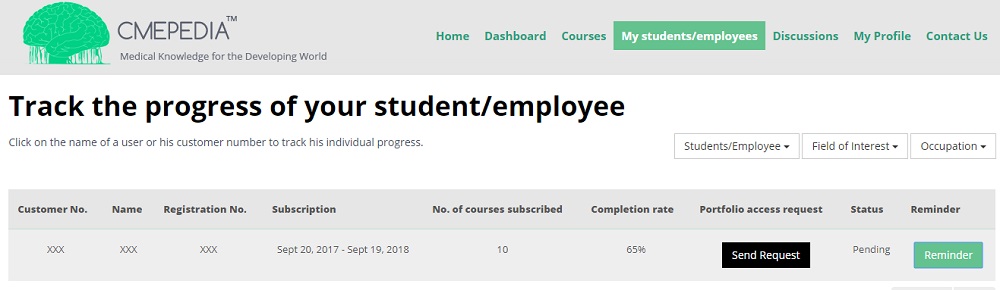
- Complete training provided by your employer or institution
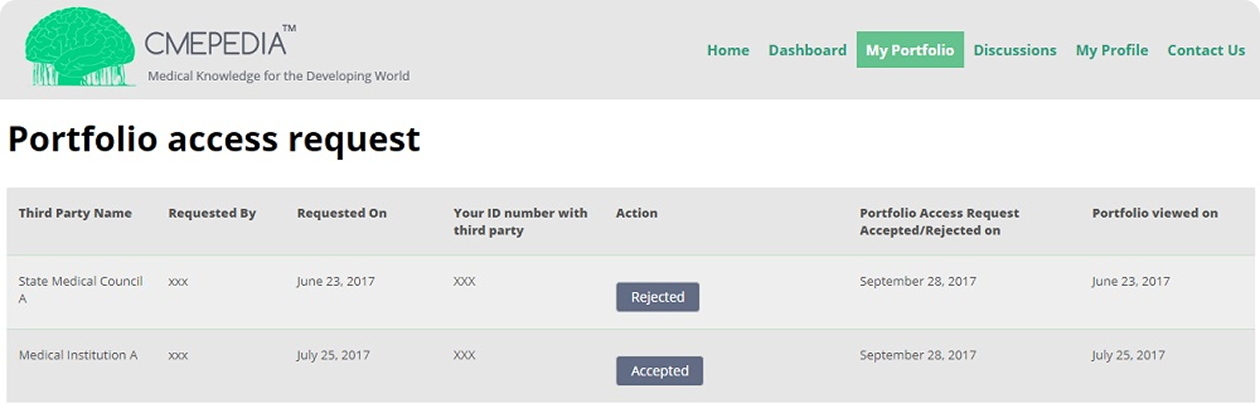
- Share temporary portfolio access with professional bodies, employers, or institutions

Step 1 - Create your account
Register for a free CMEPEDIA account and browse the available courses and webinars
Step 2 - Choose an activity
Browse free and affordable online CME, CNE and CDE activities across a range of healthcare subjects.
Before enrolling, you can view the activity duration, learning objectives, accreditation status, applicable credits, and fee. CMEPEDIA encourages fair and affordable course fees in line with its pricing considerations.
Step 3 - Complete the activity
Study online courses at your own pace and complete the required assessment or examination.
Step 4 - Receive your certificate
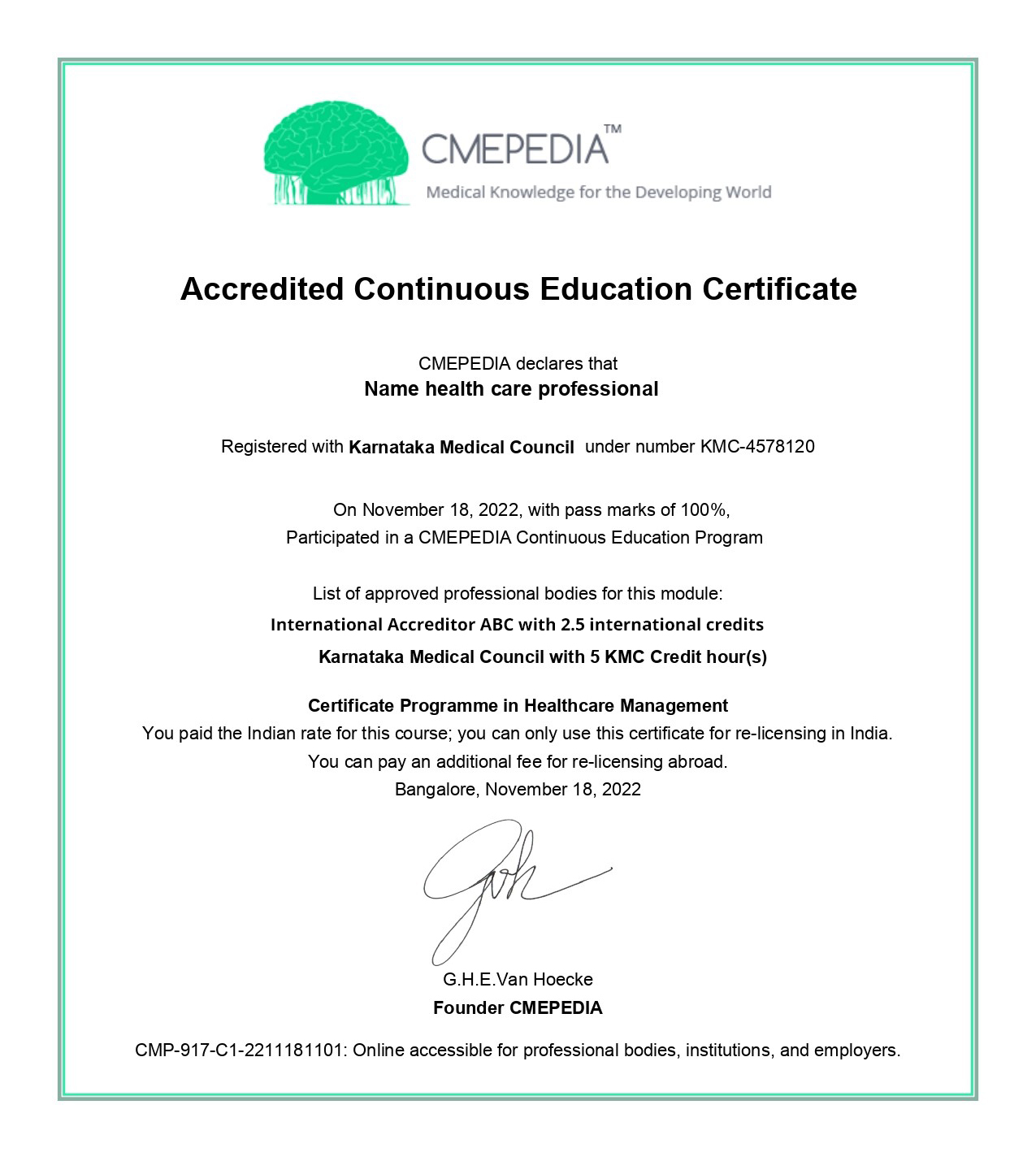
After successfully completing an eligible activity, you will receive a digital certificate containing your completion details, accreditation information where applicable, and a unique certificate identification number for verification.
You can submit your certificate to more than one professional body. Additional requirements or fees may apply if you use the same certificate for professional registration or practice in different countries, for example, in India and abroad. CMEPEDIA will inform you if any additional fees apply.
Step 5 - Manage your learning records
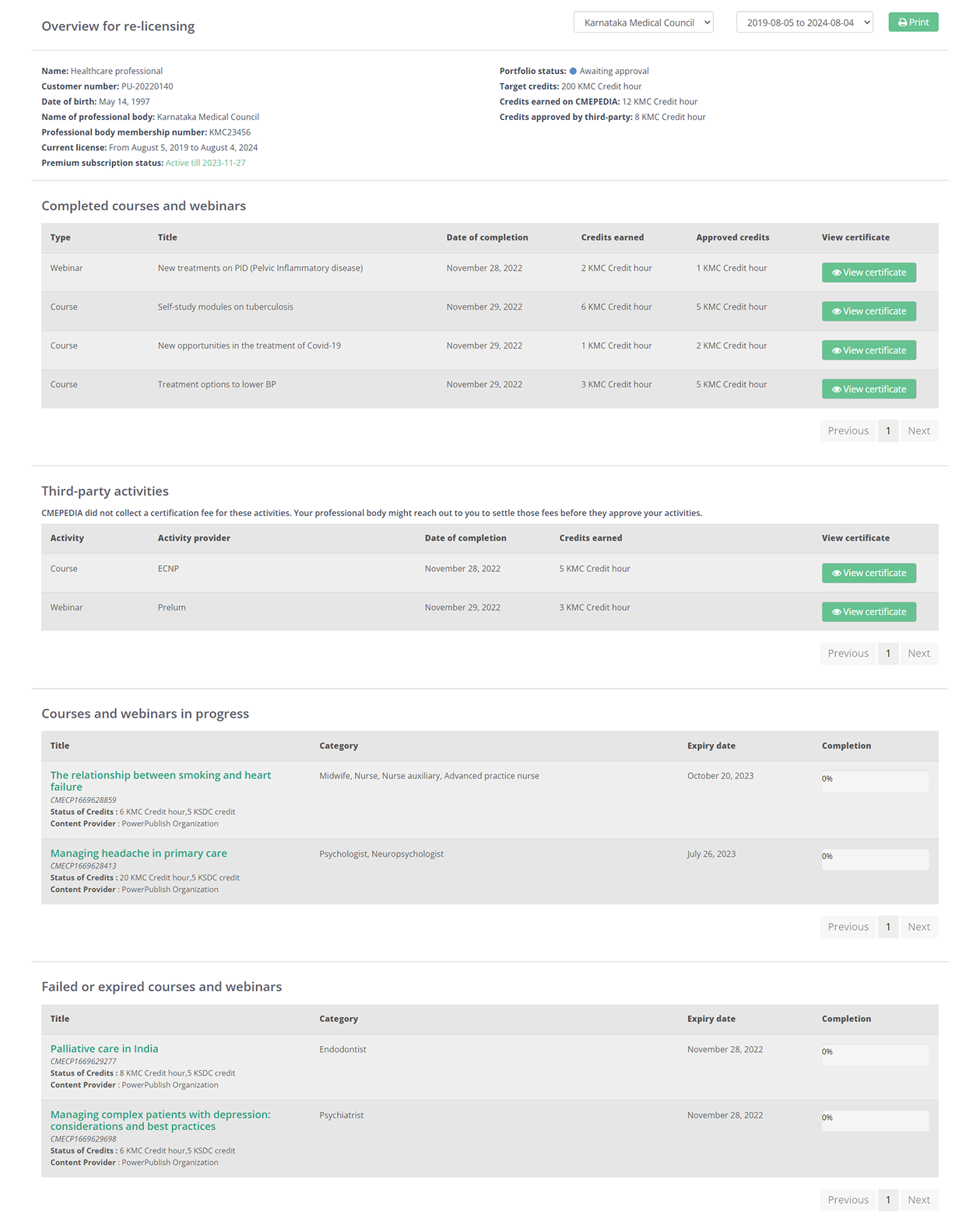
Premium users can store CMEPEDIA certificates and third-party educational activities in a central digital portfolio.
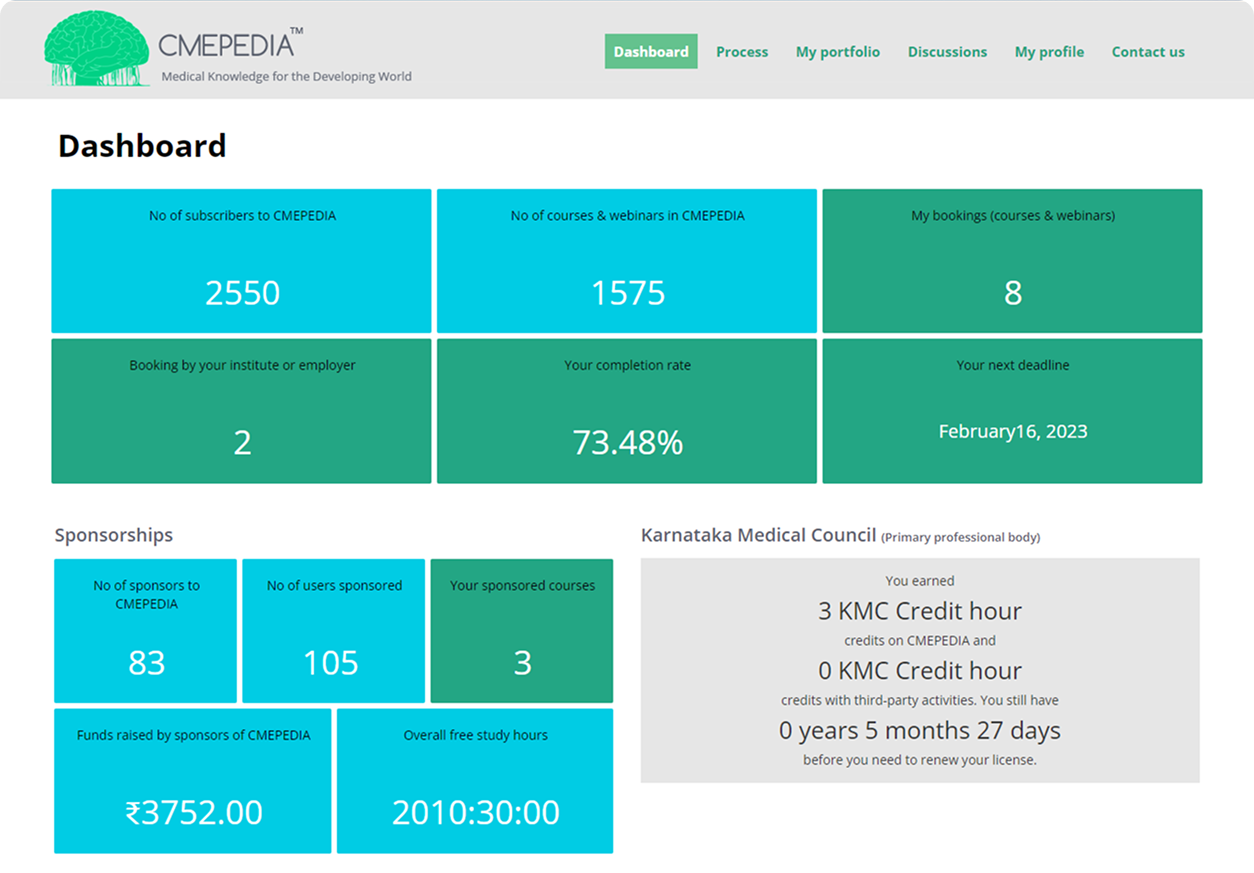
They can also track their credits and progress, receive renewal reminders, and provide temporary portfolio access to authorised organisations when required.
Choose a free Basic account or upgrade to a Premium subscription.
Features
Basic account
Premium subscription


CMEPEDIA invites sponsorships to help you access paid or free accredited CME, CNE and CDE activities, webinars, and Premium subscriptions at no cost.
Eligible organisations may sponsor educational access directly. Organisations considered ineligible for direct sponsorship under accreditation standards such as companies whose products or services could create a commercial interest in the education may instead provide unrestricted educational grants to support independent, free educational activities. Individuals and organisations may also sponsor your CMEPEDIA Premium subscription, helping you manage your learning records digitally, reduce paperwork, and simplify the online relicensing process.
Sponsors cannot influence the course content, faculty, assessments, or educational decisions.
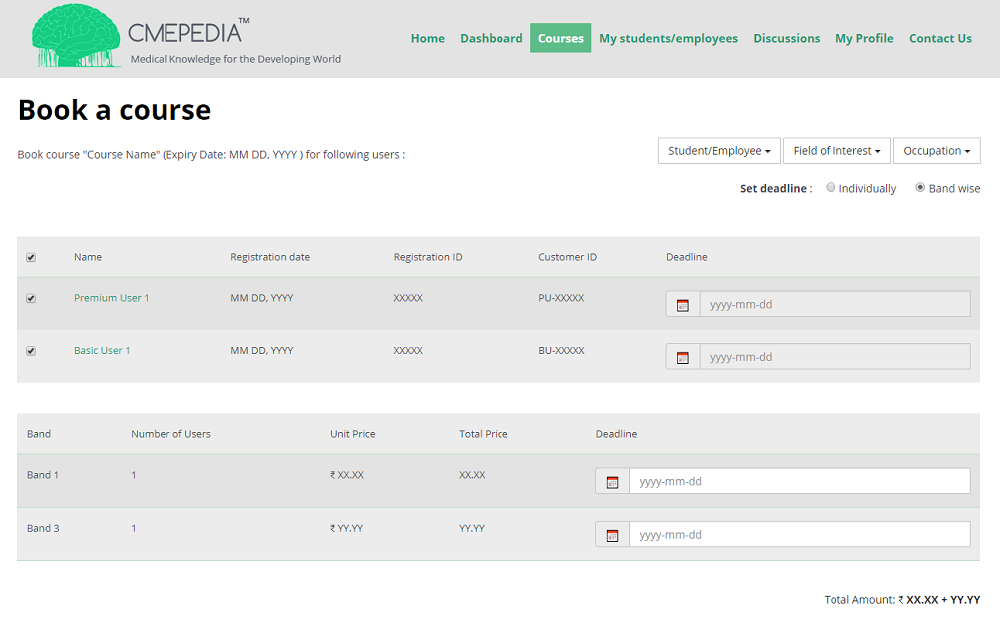
You may complete a sponsored paid activity yourself or, if the access remains unused, forward it to a colleague or another eligible CMEPEDIA user.
Premium users may receive courses and webinars recommended, assigned, or sponsored by their employer or institution. Employers and institutions can use CMEPEDIA to plan and support staff training, monitor participation and completion, and maintain a digital record of professional development.
Premium users may also provide their employer or institution with temporary access to their digital portfolio when required.
The right of withdrawal applies only to CMEPEDIA Premium subscriptions, subject to the applicable terms and conditions. As individual activities provide immediate access to digital educational content, purchases are non-refundable once access has been granted. Requests related to cancellation, withdrawal, payment issues, or complaints can be submitted through the CMEPEDIA complaint form.